


制作自稳定 Arduino 云台:三轴舵机控制
概述
本教程将学习如何制作一个 Arduino 云台或自稳定平台,使用舵机电机。本教程实际上是之前 MPU6050 教程的延伸。
您可以观看以下视频或阅读下面的文字教程。
我使用 3D 建模软件设计了云台。它由 3 个 MG996R 舵机实现三轴控制,以及一个放置 MPU6050 传感器、Arduino 和电池的底座。
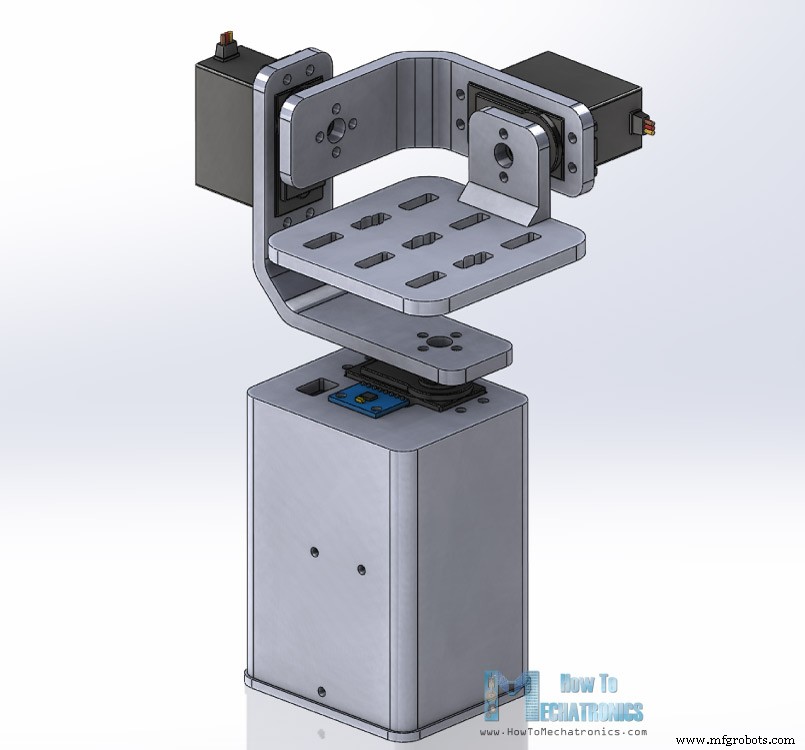
您可以在 Thangs 上找到并下载此 3D 模型,也可在浏览器中探索。
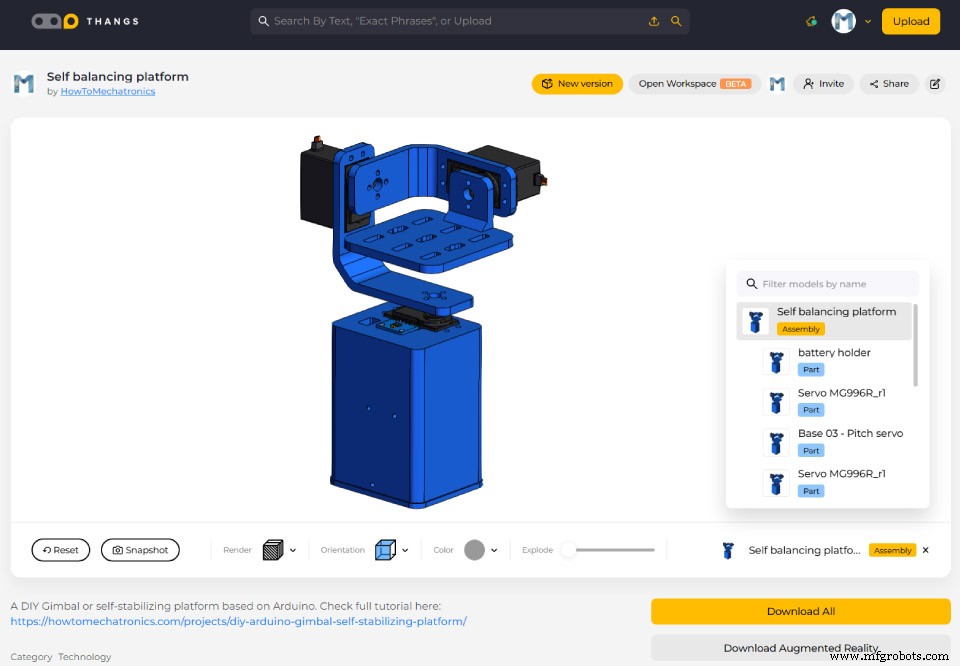
STL 文件:
使用我的 Creality CR-10 3D 打印机打印所有零件,效果完美。
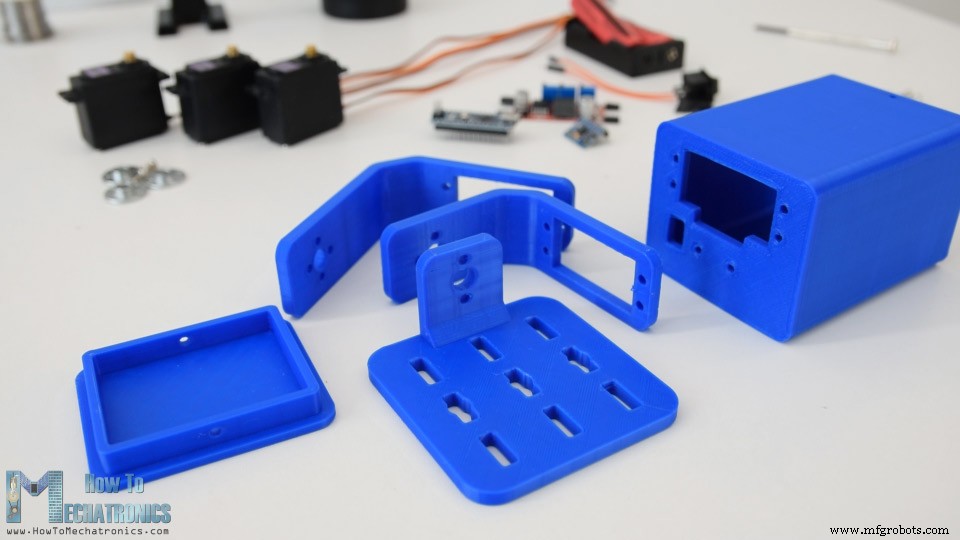
组装
云台组装相当容易。从偏航轴舵机开始。用 M3 螺栓螺母将其固定到底座。
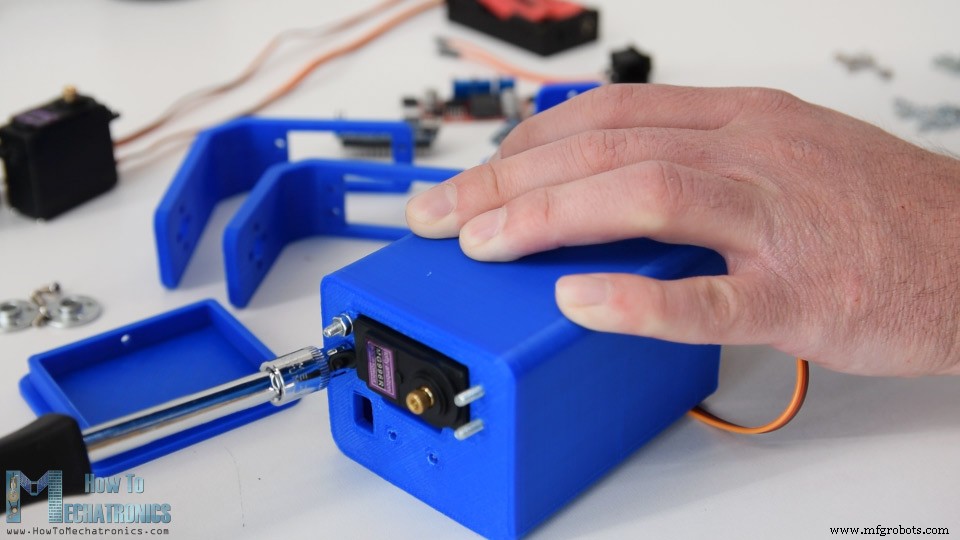
用相同方法固定滚转轴舵机。零件专门设计以轻松适配 MG996R 舵机。
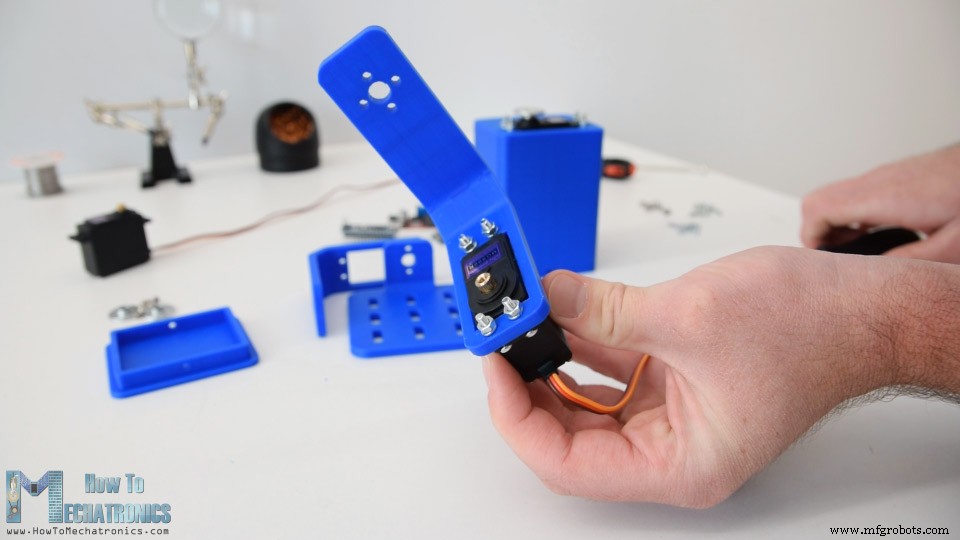
连接零件使用舵机附带的圆形舵盘。
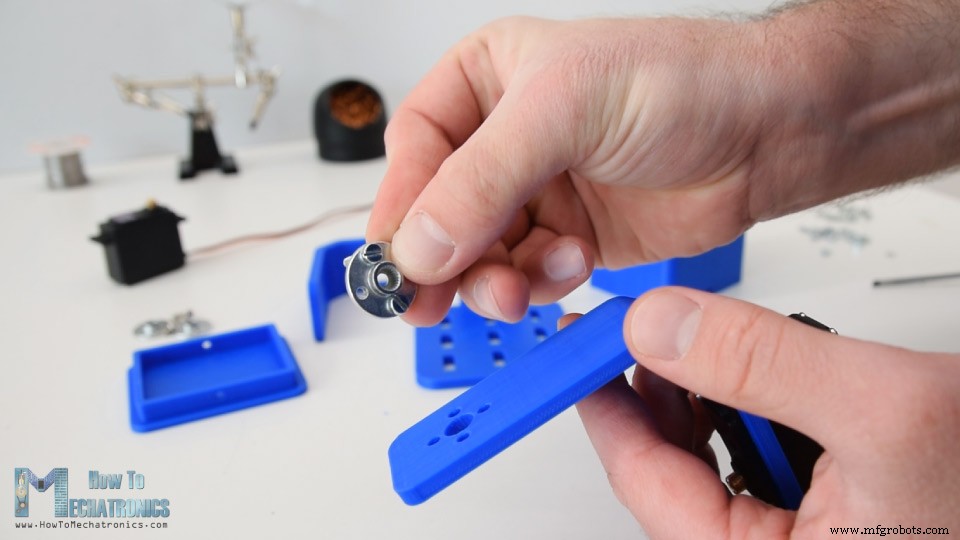
先用两个螺栓将圆形舵盘固定到底座,然后用另一个螺栓将其连接到前一个舵机。
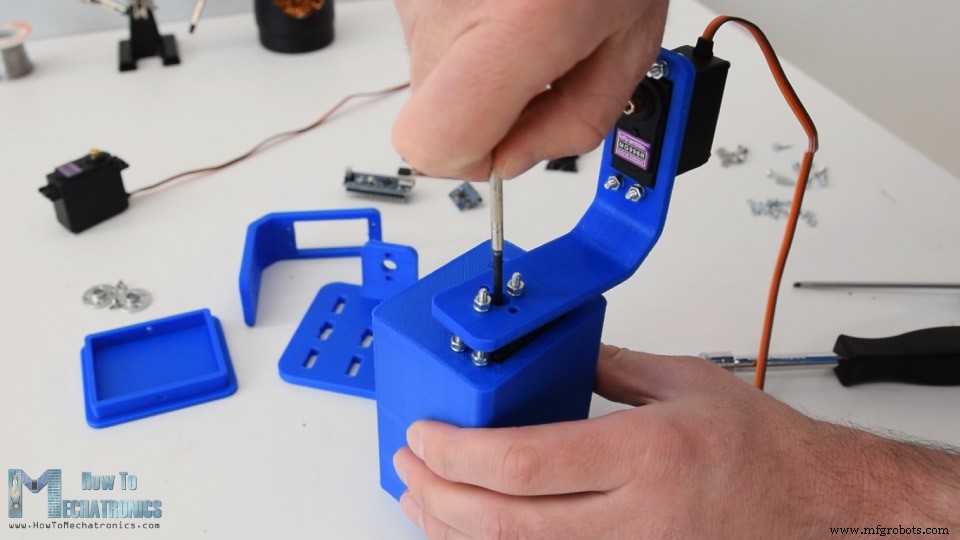
重复此过程组装其余部件:俯仰轴舵机和顶部平台。
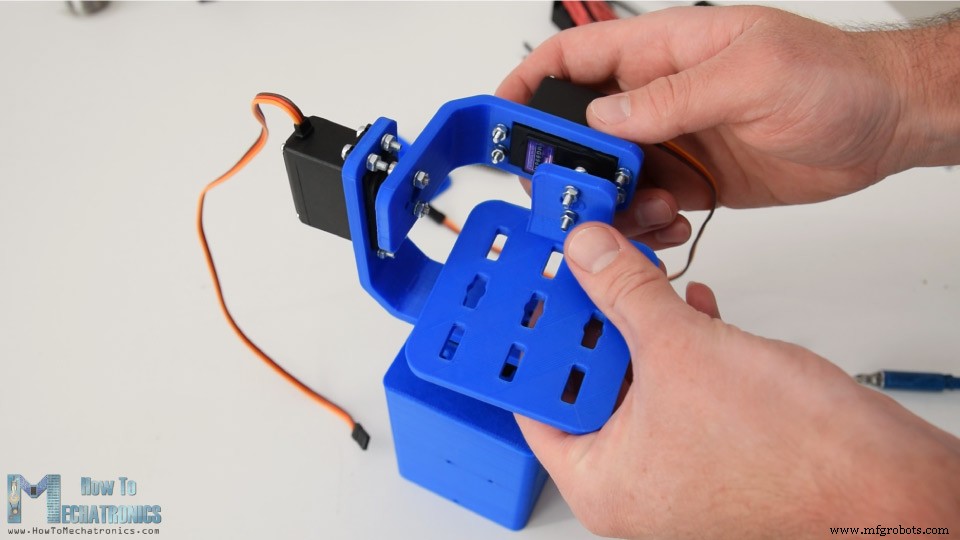
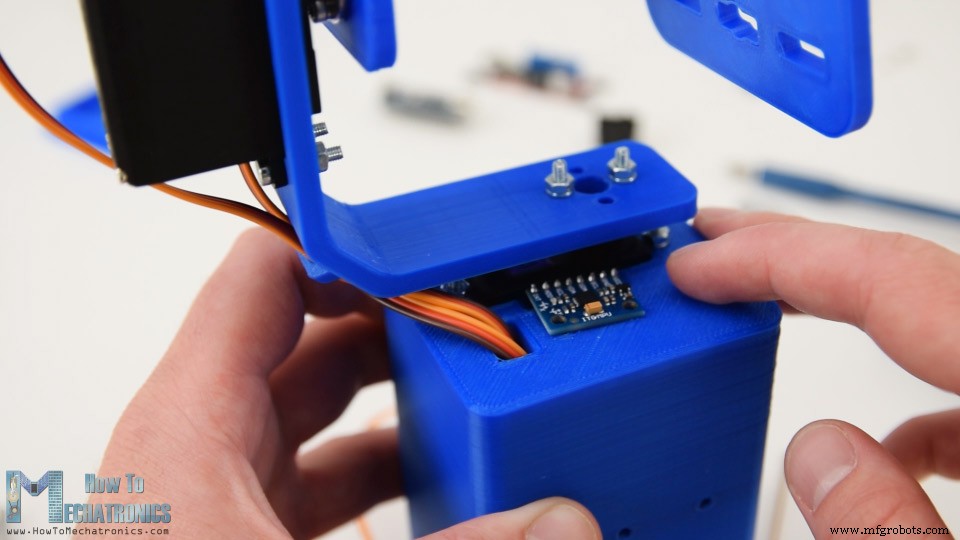
接下来将舵机线穿过支架开口以保持整齐。然后插入 MPU6050 传感器并用螺栓螺母固定到底座。
供电使用 2 节锂离子电池,放入电池盒。用两个螺栓螺母将电池盒固定到底座。
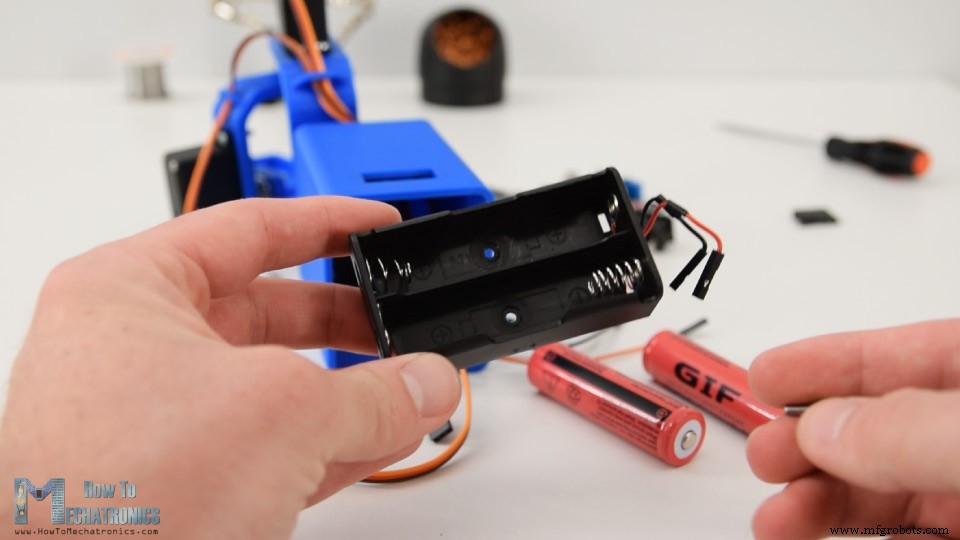
2 节锂离子电池产生约 7.4V,但 Arduino 和舵机需要 5V。
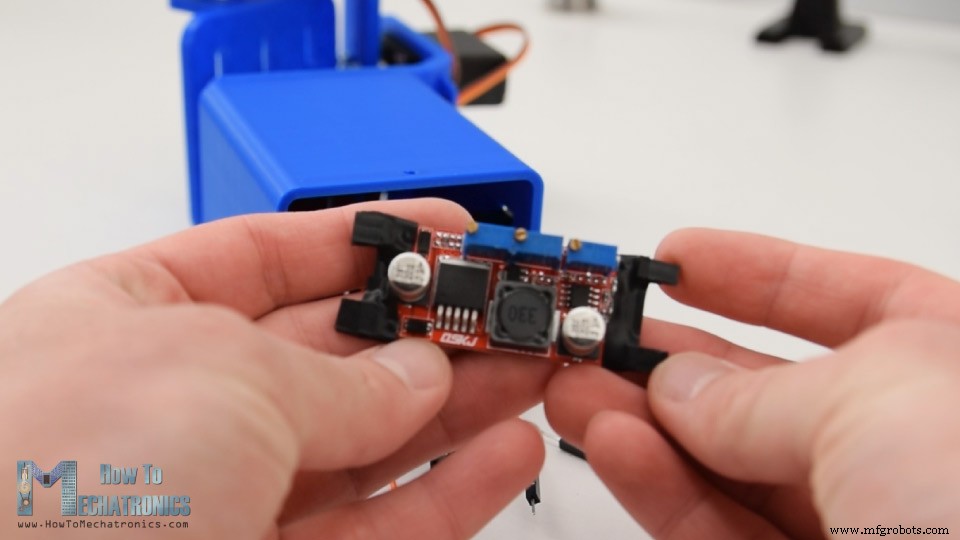
因此我使用降压转换器将 7.4V 转为 5V。
Arduino 云台电路图
剩下的就是连接所有东西。这是项目的电路图及连接方式。
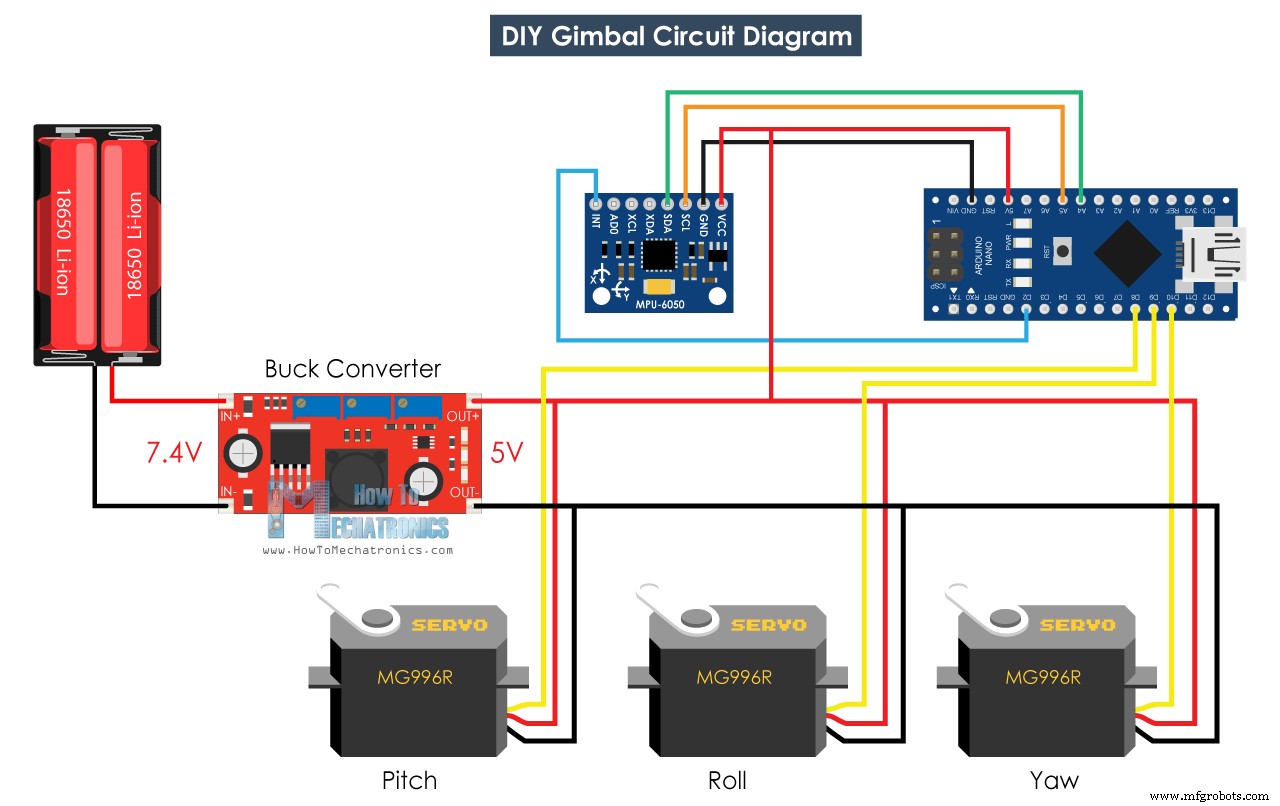
所需元件
- MPU6050 IMU
- MG996R 舵机
- 降压转换器
- Arduino 开发板
- 面包板和杜邦线
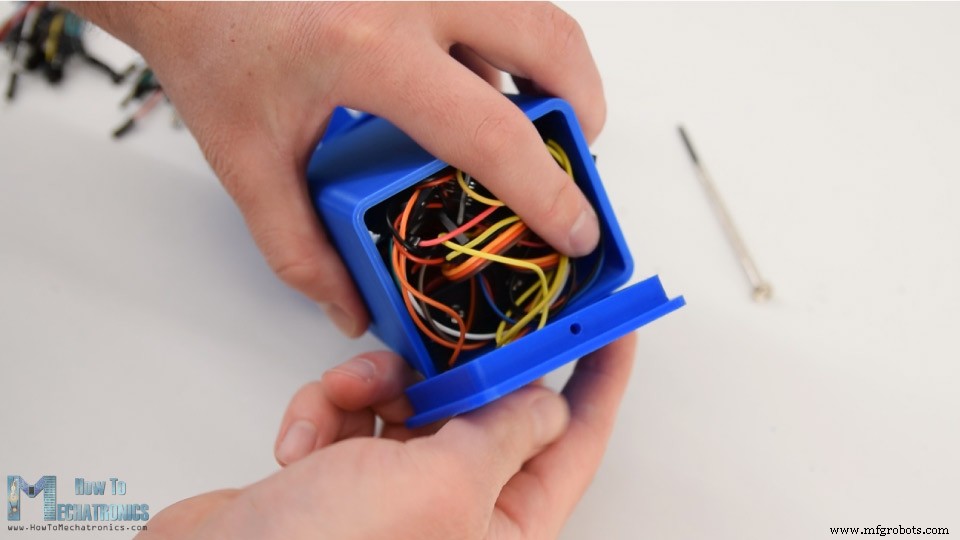
最后将电子元件和线塞入底座,用底部盖子盖上。
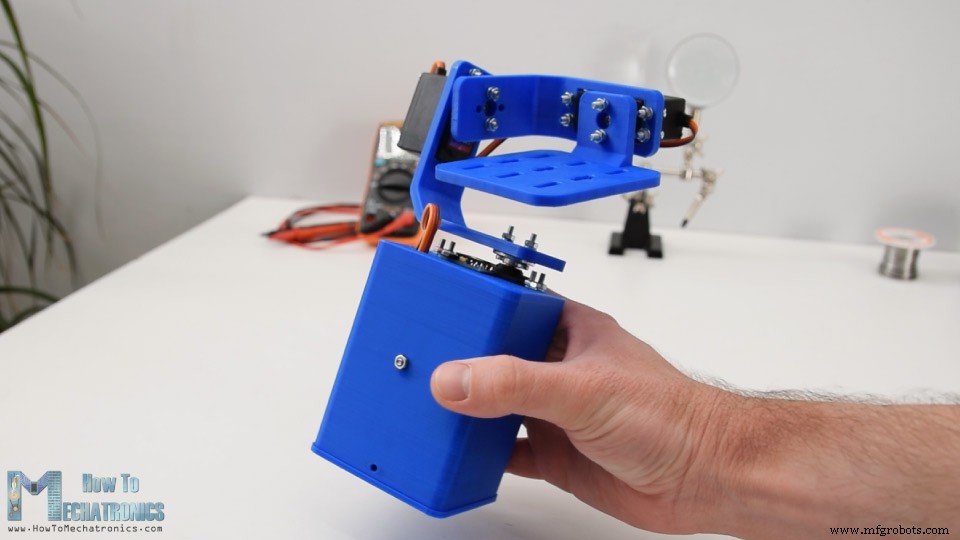
自平衡平台或 Arduino 云台完成,工作良好。剩下的就是看程序。
Arduino 代码
本例的 Arduino 代码是基于 Jeff Rowberg 的 i2cdevlib 库中的 MPU6050_DMP6 示例修改的。
您可以在此下载代码:
代码说明: 我们使用可读的偏航、俯仰和横滚输出。
// Get Yaw, Pitch and Roll values
#ifdef OUTPUT_READABLE_YAWPITCHROLL
mpu.dmpGetQuaternion(&q, fifoBuffer);
mpu.dmpGetGravity(&gravity, &q);
mpu.dmpGetYawPitchRoll(ypr, &q, &gravity);
// Yaw, Pitch, Roll values - Radians to degrees
ypr[0] = ypr[0] * 180 / M_PI;
ypr[1] = ypr[1] * 180 / M_PI;
ypr[2] = ypr[2] * 180 / M_PI;
// Skip 300 readings (self-calibration process)
if (j <= 300) {
  correct = ypr[0]; // Yaw starts at random value, so we capture last value after 300 readings
  j++;
}
// After 300 readings
else {
  ypr[0] = ypr[0] - correct; // Set the Yaw to 0 deg - subtract the last random Yaw value from the currrent value to make the Yaw 0 degrees
  // Map the values of the MPU6050 sensor from -90 to 90 to values suatable for the servo control from 0 to 180
  int servo0Value = map(ypr[0], -90, 90, 0, 180);
  int servo1Value = map(ypr[1], -90, 90, 0, 180);
  int servo2Value = map(ypr[2], -90, 90, 180, 0);
  // Control the servos according to the MPU6050 orientation
  servo0.write(servo0Value);
  servo1.write(servo1Value);
  servo2.write(servo2Value);
}
#endif
获取数值后,首先将弧度转换为度。
// Yaw, Pitch, Roll values - Radians to degrees
ypr[0] = ypr[0] * 180 / M_PI;
ypr[1] = ypr[1] * 180 / M_PI;
ypr[2] = ypr[2] * 180 / M_PI;
然后等待或进行 300 次读数,因为传感器在此期间仍在自我校准过程。同时捕获偏航值,开始时不像俯仰和横滚值为 0,而是总是某个随机值。
// Skip 300 readings (self-calibration process)
if (j <= 300) {
  correct = ypr[0]; // Yaw starts at random value, so we capture last value after 300 readings
  j++;
}
300 次读数后,首先通过减去上述捕获的随机值将偏航设为 0。然后将偏航、俯仰和横滚的值从 -90 到 +90 度映射为 0 到 180 的值,用于驱动舵机。
// After 300 readings
else {
  ypr[0] = ypr[0] - correct; // Set the Yaw to 0 deg - subtract the last random Yaw value from the currrent value to make the Yaw 0 degrees
  // Map the values of the MPU6050 sensor from -90 to 90 to values suatable for the servo control from 0 to 180
  int servo0Value = map(ypr[0], -90, 90, 0, 180);
  int servo1Value = map(ypr[1], -90, 90, 0, 180);
  int servo2Value = map(ypr[2], -90, 90, 180, 0);
  // Control the servos according to the MPU6050 orientation
  servo0.write(servo0Value);
  servo1.write(servo1Value);
  servo2.write(servo2Value);
}
最后使用 write 函数将这些值作为控制信号发送给舵机。当然,如果您只想要 X 和 Y 轴稳定,可禁用偏航舵机,将此平台用作相机云台。
请注意这远非优秀的相机云台。运动不平滑,因为这些舵机并非为此目的设计。真正的相机云台使用特殊类型的无刷电机以获得平滑运动。因此请仅将此项目视为教育用途。
本教程就到这里,希望您喜欢并学到新知识。欢迎在下方评论区提问,别忘了查看我的 Arduino 项目合集。
制造工艺
- 自制LUMAZOID:基于Arduino的音乐可视化灯光控制器
- Arduino 与智能手机打造智能电压表——简单易做的 DIY 项目
- 舵机驱动避障机器人:基于 Arduino 与 HC-SR04 构建
- DIY VR 滑板:用 Arduino、Google Cardboard 与蓝牙打造虚拟滑雪体验
- Arduino Mega 2560 综合实训平台 - 传感器/电机/显示/PCB 一体化开发板
- DIY Arduino 电子波疗设备 - 基于拉德尼克疗法的 EMR 治疗仪
- DIY二自由度竞速模拟器:Arduino Nano驱动SG90微型舵机
- Arduino 智能垃圾桶——自动开合盖 DIY
- Arduino 控制 3DR Solo 无人机舵机:Firmata + pyMata 实战教程
- 使用 Arduino 制作便携式 RFID 门锁——分步指南
- DIY三轴CNC立式加工中心:打造精密铣床
- Arduino Nano + GY-906 非接触红外测温枪制作指南